
The short version
One difference explains everything else
JPG is lossy. It reaches small file sizes by discarding detail it judges your eye will not miss. PNG is lossless. It stores every pixel exactly as drawn and discards nothing.
Every practical difference between the two follows from that one line. PNG gives you hard, clean edges and larger files. JPG gives you smaller files and faint artefacts — grey haloing around high-contrast edges, and blocking in areas of flat colour. On a photograph you will not notice either. On a page of black text on white, high-contrast edges are the entire page.
So the question is never “which format is better”. It is “what is on this page”.
Pick PNG when the page is drawn
Content that was generated rather than photographed — type, rules, fills, vector art — is where PNG earns its size:
- Text pages and forms. Letter edges stay hard. JPEG puts a faint grey fringe around every character that is obvious once you look for it.
- Tables and charts.Flat fills and thin gridlines compress extremely well in PNG — long runs of identical pixels are the best case for its algorithm.
- Line drawings and schematics. A one-pixel line stays one pixel. Under JPEG it becomes a grey smear, which on a technical drawing loses real information.
- Screenshots inside documentation. UI text rendered through JPEG looks subtly wrong beside real text on a web page.
- Anything going to print at 300 DPI. Artefacts invisible on screen become visible on paper.
The tool for these is PDF to PNG, and the walkthrough is in the PDF to PNG guide.
Pick JPG when the page is photographed
The moment real photographic texture is involved, the calculation inverts. Photographs have almost no repeated pixels, which is the case PNG compression handles worst and JPEG handles best:
- Scanned documents. A scan is a photograph of paper. Every fleck of grain is data PNG must store exactly and JPEG can safely discard.
- Product catalogues and brochures. Full-bleed imagery where nobody will see the difference and the size gap is large.
- Photo-heavy reports. Even one large photograph on a page usually swings the decision.
- Anything with a tight size limit.Covered below — this is the case where the choice matters most.
The tool for these is PDF to JPG, with the walkthrough in the PDF to JPG guide.
If you are fighting a file size limit
This is where the two formats stop being interchangeable, and it is worth understanding before you pick.
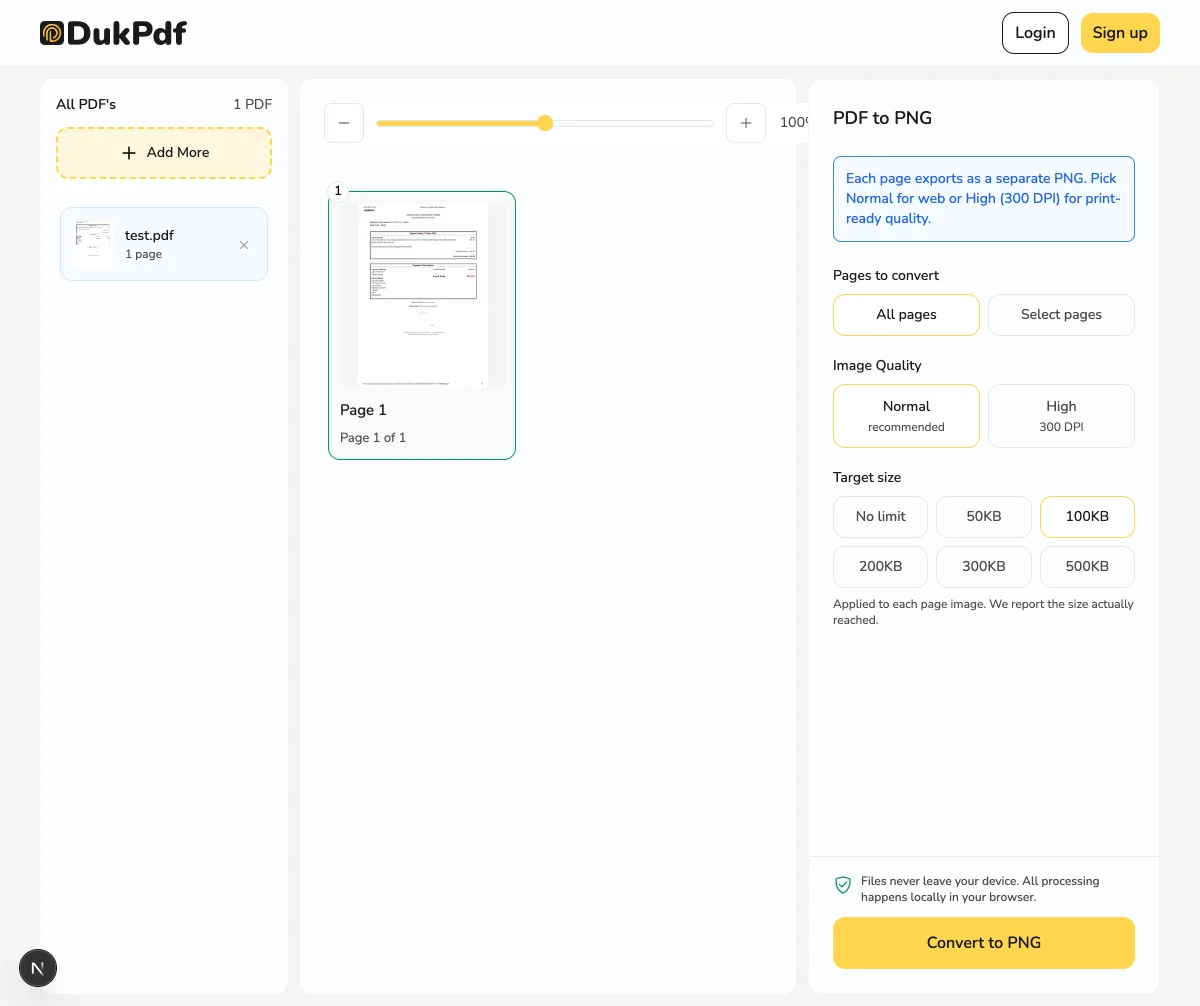
A JPG converter asked for 100KB lowers the quality setting until it fits. The page stays the same physical size; some detail is given up. A PNG converter asked for the same 100KB has no quality setting to lower. The only thing it can do is render fewer pixels, so the page comes back physically smaller.
That is the practical difference: under a tight limit, JPG gets blurrier and PNG gets smaller. For a form that will be printed or read at full size, blurrier is usually the better failure. For a signature or a logo, smaller is fine and the lossless edges are worth having.
As a rough calibration, a typical text page renders to around 190KB as a PNG at screen resolution. A 200KB or 500KB target leaves it alone; 100KB takes one step down; 50KB takes several. A scanned page starts far higher and may not reach the tighter targets at all in PNG, while JPG will hold it at full size throughout.
Each of these loads its tool with the target already selected:
- Lossless: PNG under 50KB, 100KB, 200KB, 500KB or 300 DPI for print.
- Lossy: JPG under 50KB, 100KB, 200KB, 300KB or 300 DPI for print.
Whichever you pick, cropping first helps more than any setting. Use Crop PDF to cut the page down to what actually needs to be in the image.
Where the file sizes actually land
Rough numbers for a single A4 page at screen resolution, to set expectations rather than to be precise — your document will differ:
- A page of typed text. PNG and JPG land in the same ballpark, low hundreds of kilobytes. PNG is worth it here because the quality difference is visible and the size difference is not.
- A chart or table.PNG often wins outright — flat fills compress better losslessly than JPEG manages, and it looks better too.
- A full-page colour scan.PNG can be several times the JPG for output most people would not tell apart. This is JPG’s case.
- At 300 DPI. Both grow roughly fourfold. PNG reaches several megabytes per page, which is normal for print work and not a problem to fix.
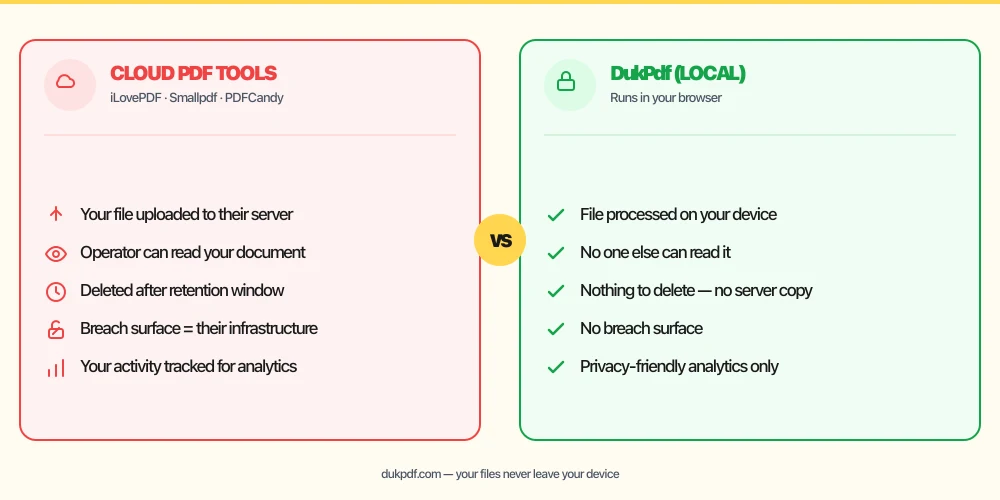
If it matters, run the page through both and look. It takes a minute, costs nothing, and neither tool uploads your document.
Neither format keeps your text searchable
Worth stating because it catches people out: both PNG and JPG produce a picture of the page. The text in the image cannot be selected, copied or searched, whichever format you choose. Converting a PDF to images is a one-way trip as far as text is concerned.
If you need the words back, run OCR on the PDF instead, or keep the original PDF alongside the images. If you need a document rather than pictures, Compress PDF shrinks the file while keeping it a real PDF.
Going the other way
Both conversions are reversible, and the choice matters less on the way back in. Whether your images are PNG or JPG, embedding them into a PDF keeps them as they are:
- PNG to PDF embeds images without re-compressing them, so a screenshot stays pixel-for-pixel what you started with.
- JPG to PDF does the same for photographs. Both accept mixed batches, so you do not need to pick.
Related reading
Frequently asked questions
Which format is better quality, PNG or JPG?
PNG is exact and JPG is approximate, so PNG is technically higher fidelity in every case. Whether you can see the difference is a different question. On a page of text, diagrams or line art the difference is visible at normal zoom. On a photograph, a good-quality JPG is usually indistinguishable at a fraction of the size.
Which format produces smaller files?
JPG, on almost any page that contains a photograph — often by a factor of several. On a page of flat colour and text the gap narrows sharply, and PNG can occasionally win outright, because long runs of identical pixels are exactly what its compression is built for.
I need the image under 100KB. Which should I use?
JPG, unless the page is simple. JPG can hold the page at full size and give up detail to fit; PNG has no quality dial, so it must render fewer pixels instead and the page comes out physically smaller. For a signature or a short typed page, PNG under 100KB is comfortable. For a scan, JPG will look better at the same size.
Does PNG keep transparency from the PDF?
No. PDF pages are rendered onto a white background before they become images, so both formats produce an opaque result. PNG supports transparency, but there is none in the source to preserve.
Can I convert the same PDF to both and compare?
Yes, and it is the fastest way to decide when you are unsure. Both tools are free with no watermark and no upload, so running a page through each and comparing the two files takes under a minute.